Plugin analysis
Overview
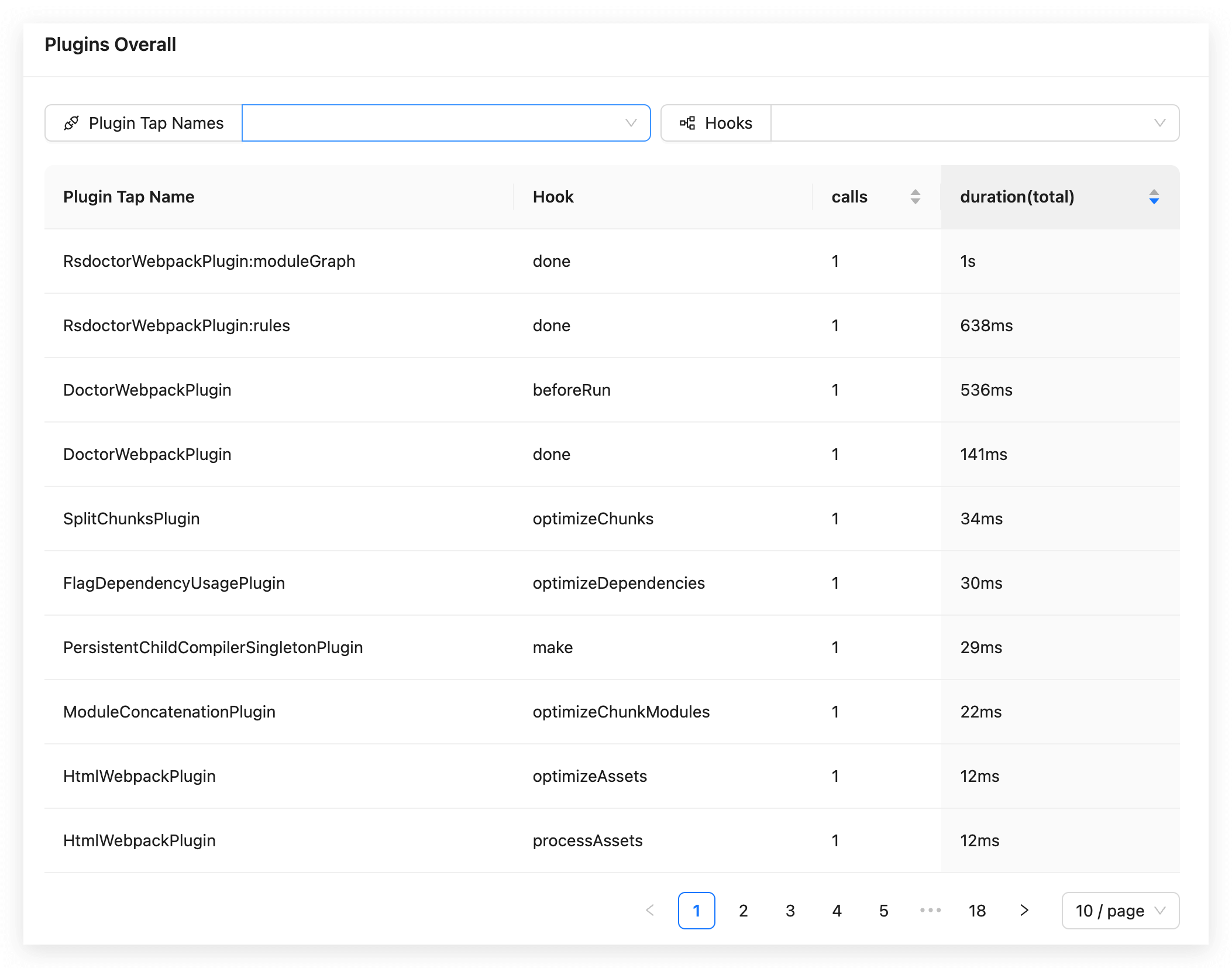
In the Rsdoctor Compile Analysis secondary page Plugins Analysis, we can see the invocation data of all Compiler Hooks and Compilation Hooks used by the current Rspack or webpack project. The content is shown in the following figure:
Tip
The plugin time will also calculate the internal plugin time of Rsdoctor.
Glossary
The meanings of the fields in the data statistics table on the page are as follows:
Usage instructions
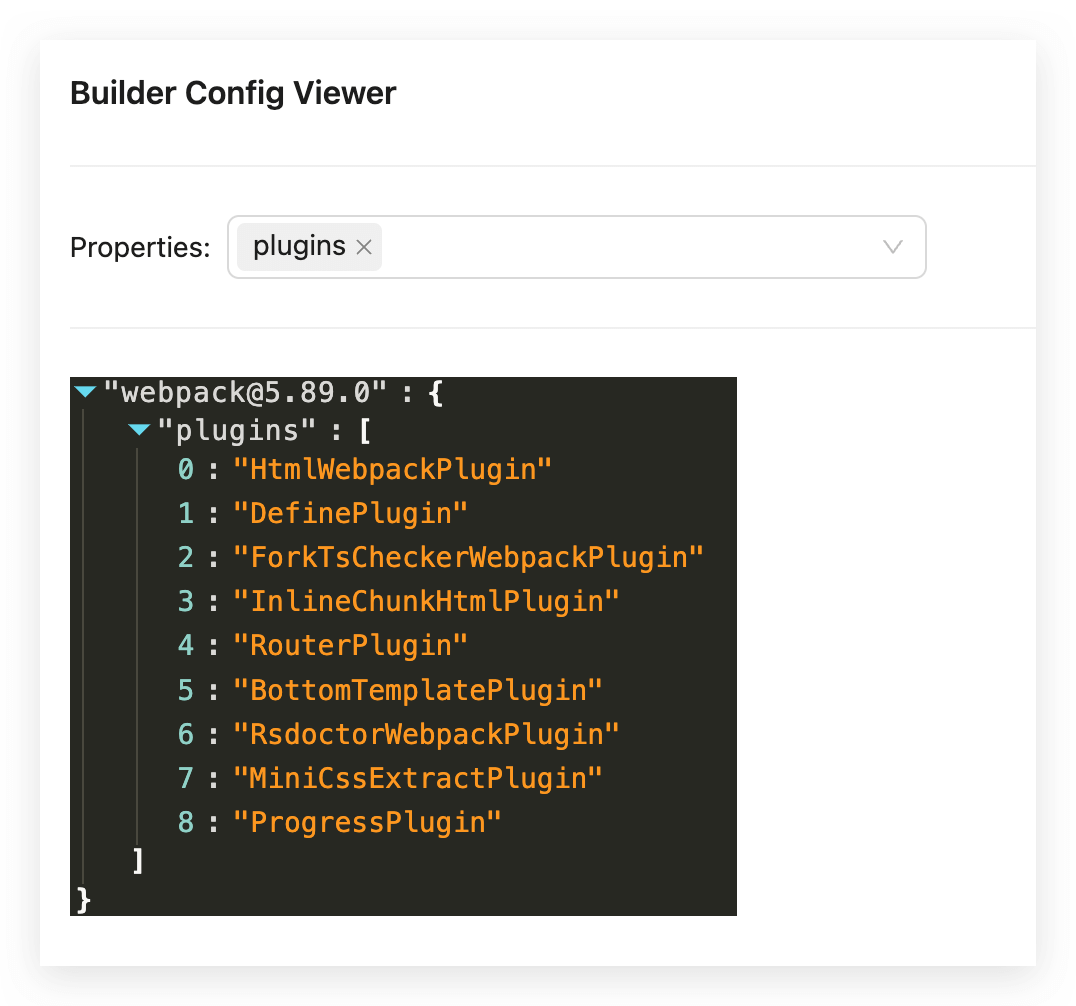
View bundler config
If we need to view the Rspack or webpack configuration of the project, we can click on View Bundler Config in the upper right corner of the card. A floating layer will pop up, which contains the serialized Bundler Config, as shown in the following figure: